
Budgeting App: Best Free Picks for Smarter Money
If your money seems to disappear between payday and portfolio day, you're not imagining things. A good budgeting app can turn financial guesswork into a plan - without making you feel like you've enrolled in advanced spreadsheet punishment.
For everyday investors, savers, and anyone trying to keep spending under control while still funding long-term goals, the right budgeting app free option matters. The best tools do more than sort transactions into neat little boxes. They help you protect cash flow, spot waste, build savings, and avoid raiding your investment accounts because dinner delivery got a bit too enthusiastic this month.
At Trakzi, we believe financial tools should feel clear, dependable, and calm - especially when money is involved. Whether you're tracking monthly bills, planning contributions to investment accounts, or simply trying to stop your subscriptions from multiplying in the dark, the right help budgeting app can make all the difference.
"55% of adults reported having emergency savings sufficient to cover three months of expenses." - Federal Reserve
"65% of Americans reported living paycheck to paycheck in April 2024." - CNBC
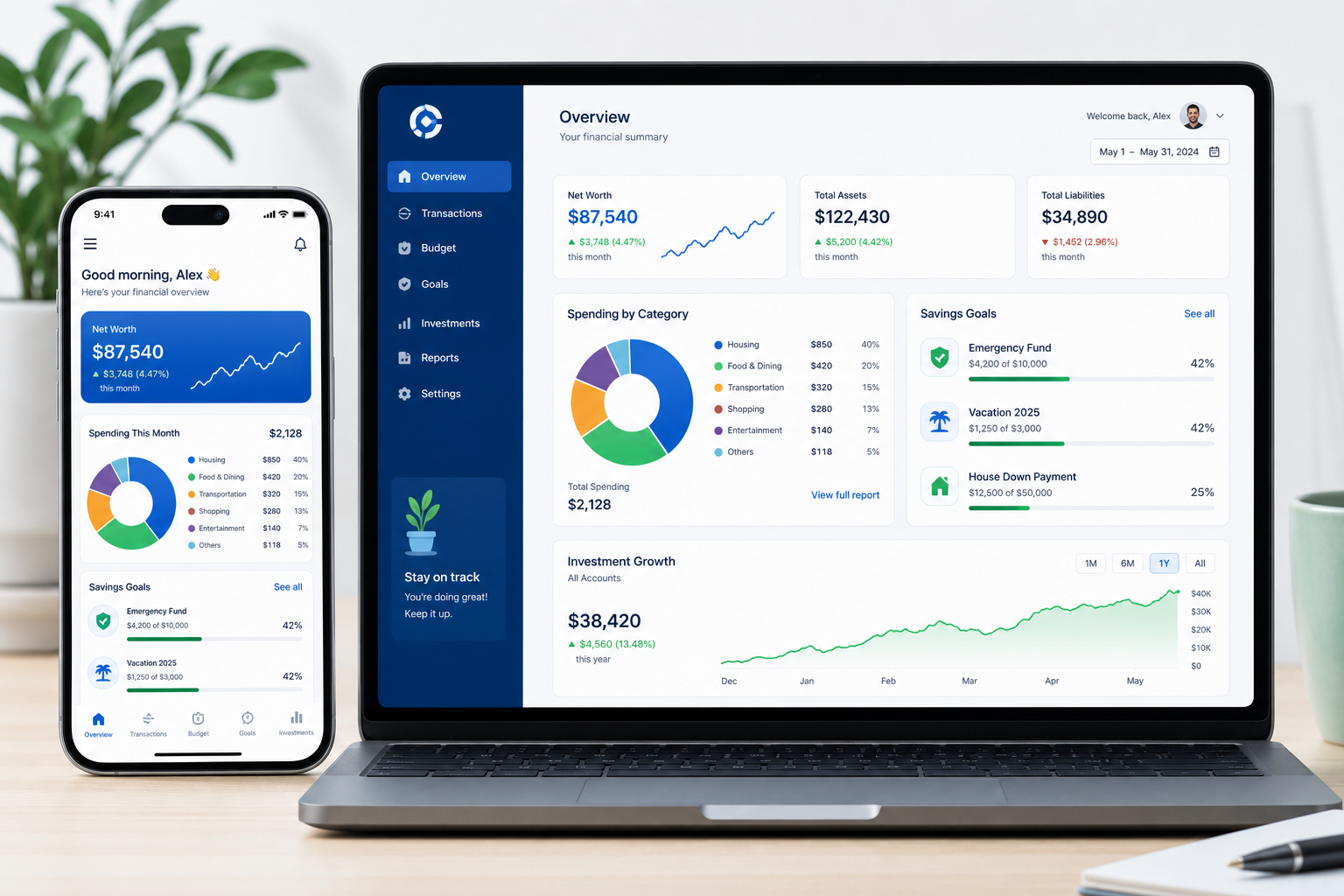
What a budgeting app actually does
A budgeting app helps you answer four questions quickly:
- How much money is coming in?
- Where is it going?
- What needs to happen before I invest or save more?
- Am I on track, or quietly drifting toward "why is my credit card bill like this?"
The strongest apps typically include some mix of:
- Expense tracking
- Budget category creation
- Savings goals
- Cash flow forecasting
- Subscription monitoring
- Debt payoff planning
- Net worth tracking
- Shared household budgeting
- Alerts and reminders
For investors, the sweet spot is a tool that connects daily spending to broader financial goals. That means your budget should not live in a separate universe from your savings, brokerage contributions, or emergency fund.
What competitor articles get right - and what they miss
After reviewing leading finance publishers and app roundups, a few patterns stand out.
What most top-ranking articles cover well
- They rank apps by user type: beginners, couples, investors, debt payoff, or subscription control.
- They compare free vs paid pricing.
- They mention whether apps sync to bank accounts.
- They flag basic pros and cons.
The content gaps they often leave open
Most competitor content glosses over the details that matter to real users:
- How a budgeting app fits into an investing routine
- Why manual-entry apps work better for some personalities
- What "free" really means in budgeting software
- Which tools are best for households vs solo users
- How to judge app reliability, support, and data safety
- What to do if an app sync breaks or account access fails
That last point matters more than publishers admit. Finance tools are not lifestyle toys; they're trust products. When something goes wrong, users need reassurance, clear communication, and confidence that their financial data remains safe. That reliability-first mindset is core to how Trakzi thinks about digital finance experiences: portfolio data safety, stable access, and responsive support are not "nice to have" extras - they're the product.
What to look for in a free budgeting app
A "free" budgeting app can be genuinely useful, or it can be a teaser trailer for the paid version. Here's how to tell the difference.
1. Clear budgeting method
The app should support a recognizable style, such as:
- Envelope budgeting
- Zero-based budgeting
- 50/30/20 tracking
- Cash flow forecasting
- Goal-based budgeting
If the app just shows transactions but doesn't help you decide what your money should do next, it's more of an expense tracker than a true budgeting tool.
2. Useful free tier
A good budgeting app free plan should let you:
- Create categories
- Log transactions
- Track balances
- See spending trends
- Set at least basic goals
If all the meaningful features are locked, "free" is doing some creative writing.
3. Account linking or intentional manual entry
Automatic syncing is convenient, but manual entry has real benefits too. More on that shortly.
4. Good mobile and desktop experience
Money decisions happen everywhere: on the couch, in line for coffee, or while pretending not to look at your brokerage after a volatile market day.
5. Strong security and trustworthy handling of errors
Look for:
- Encryption
- Secure authentication
- Clear privacy practices
- Reassuring, transparent communication when systems fail
- Accessible customer support when issues persist
A finance app should not leave users wondering whether a sync glitch means their data vanished into the void. Trakzi's approach to digital finance content reflects the opposite: calm messaging, safety-first design, and support that doesn't disappear when the app gets moody.
Manual vs automatic budgeting apps: which is better?
This is where many roundup articles stop just short of being useful.
| Approach | Best For | Pros | Cons |
|---|---|---|---|
| Manual entry | Beginners, couples, spenders trying to change habits | More mindful, more control, less data-link friction | Takes time, requires consistency |
| Automatic sync | Busy professionals, investors, multi-account households | Fast, comprehensive, easier reporting | Categories can be messy, sync errors happen |
| Hybrid | Most users | Combines automation with manual review | Requires setup and occasional maintenance |
When manual entry is better than bank sync
A manual-entry app can be the best help budgeting app if you:
- Overspend impulsively
- Want to be more intentional
- Share finances with a partner
- Prefer fewer connected accounts
- Don't trust every app with full banking access
Manual budgeting is a bit like meal prep: mildly annoying up front, weirdly satisfying later.
When automatic syncing wins
Automatic-sync tools are better if you:
- Manage several bank and credit card accounts
- Want hands-off spending reports
- Need cash-flow visibility fast
- Also track loans, investments, or net worth
Best free budgeting apps for smarter money
Below are the strongest free or free-tier picks based on what real users need: usability, budgeting usefulness, investing alignment, and overall trust.
1. Trakzi - Best free budgeting app overall
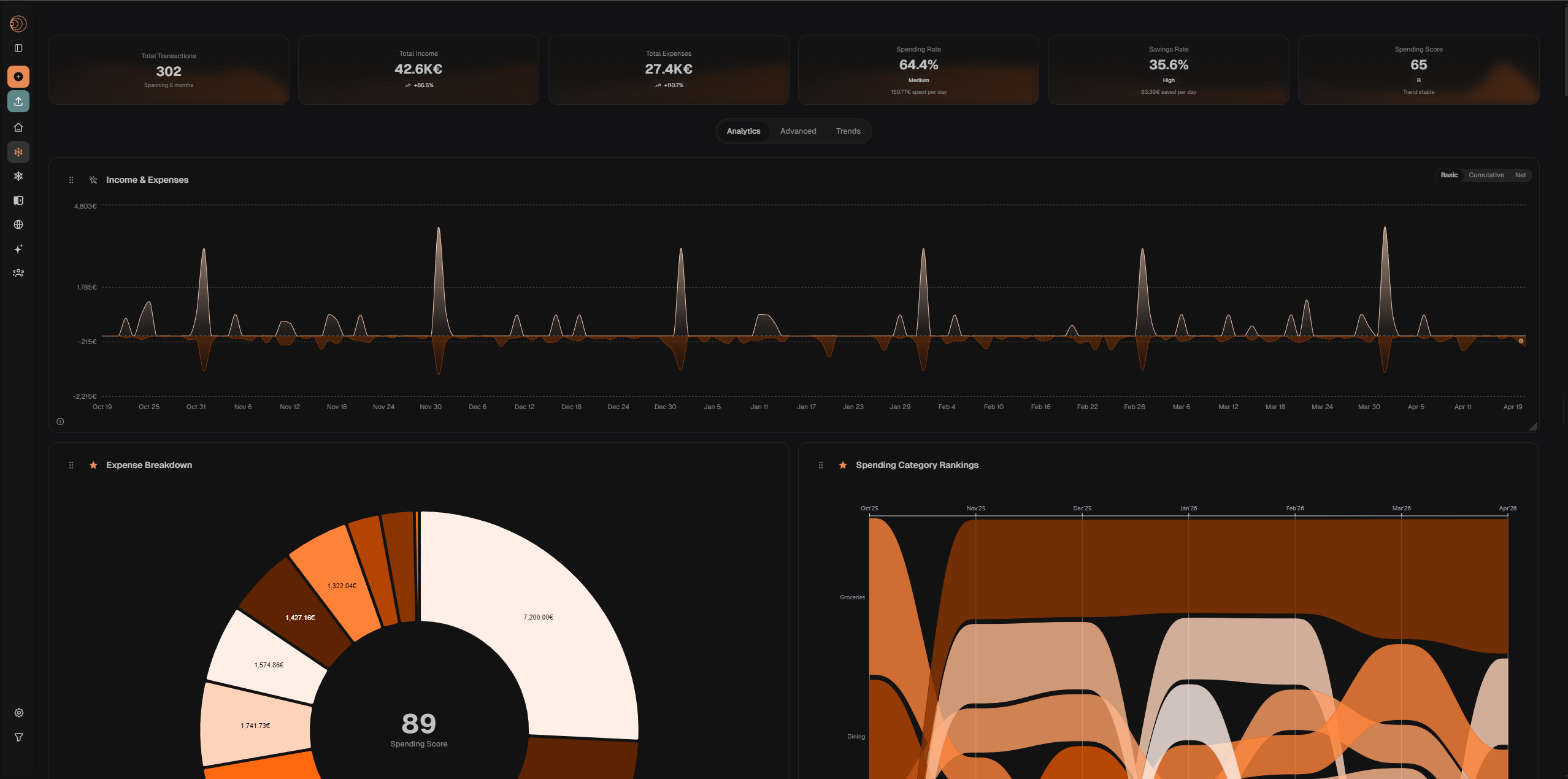
Trakzi is the all-in-one budgeting app free option built for people who want real clarity over their money — without connecting their bank account to yet another platform. Import your bank CSV in seconds, scan receipts with your camera, and get AI-powered categorization instantly. Your full financial picture, private and under your control.
Why it works
- Free to start — no credit card, no trial countdown
- CSV import from any bank — works with every bank worldwide, no account linking required
- AI-powered categorization — transactions sorted automatically, editable in one click
- Receipt scanning — photograph a receipt and Trakzi extracts the items, amounts, and merchant
- Shared expenses — split bills with roommates, partners, or friends and track who owes what
- Visual spending charts — see exactly where your money goes with clear, interactive graphs
- Needs vs. wants breakdown — understand your spending patterns at a glance
Best for
- Anyone who wants full budgeting control without sharing banking credentials
- Couples and households tracking shared costs
- People who want both manual receipts and CSV imports in one place
- Users who value privacy and data transparency
Watch-outs
- Bank sync is manual via CSV (by design — keeps your credentials private)
- Mobile app in progress; currently optimised for web
Why it earns the top spot
Most help budgeting app tools make you choose between convenience and privacy. Trakzi gives you both: automated categorization from your CSV exports and receipt scans, without ever needing your bank login. The shared expenses feature alone solves a problem most budgeting apps ignore entirely. It is free, calm, and built to handle real-life money — not just a clean demo.
2. Goodbudget - Best free budgeting app for beginners (envelope method)
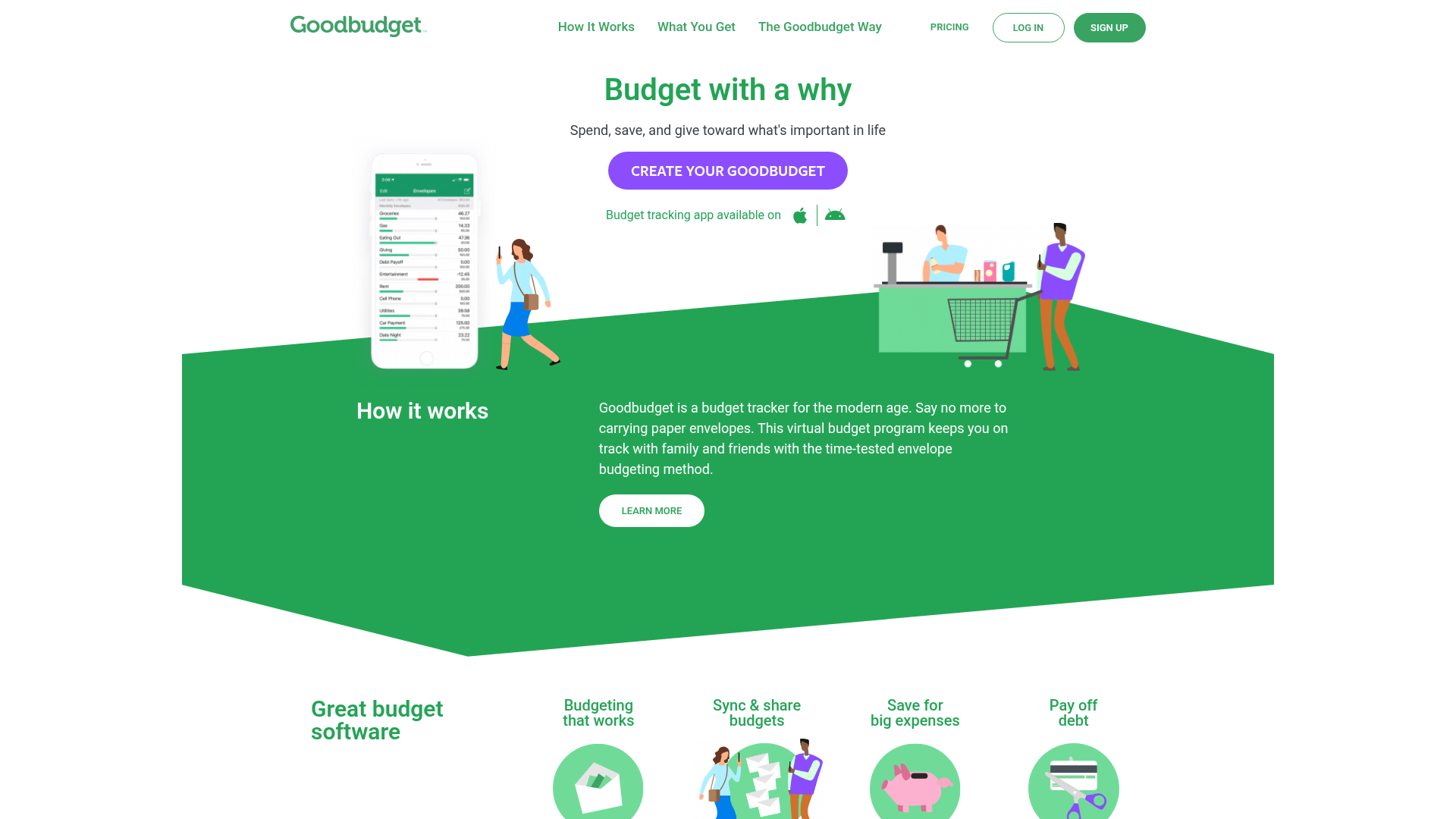
Goodbudget stands out because it brings the envelope method into the digital age without overcomplicating it. You assign money to categories - groceries, rent, travel, investing, emergency fund - and spend from those envelopes deliberately.
Why it works
- Excellent for learning budgeting fundamentals
- Encourages intentional spending
- Easy for couples and households to share
- Strong educational angle
- Available on web, iPhone, and Android
Best for
- Beginners
- Couples
- Households that want a simple, values-based budget
- Users who like manual entry and stronger spending awareness
Watch-outs
- Free users manually enter transactions
- Not ideal if you want deep investment analytics or automated bill workflows
Why it deserves a top spot
Competitors often mention Goodbudget as "best for beginners," but the bigger advantage is behavioral: it helps users slow down and assign every dollar a purpose. That makes it especially useful for investors trying to protect cash that should be going toward brokerage contributions or long-term savings instead of unplanned spending.
3. Empower - Best free app for investors
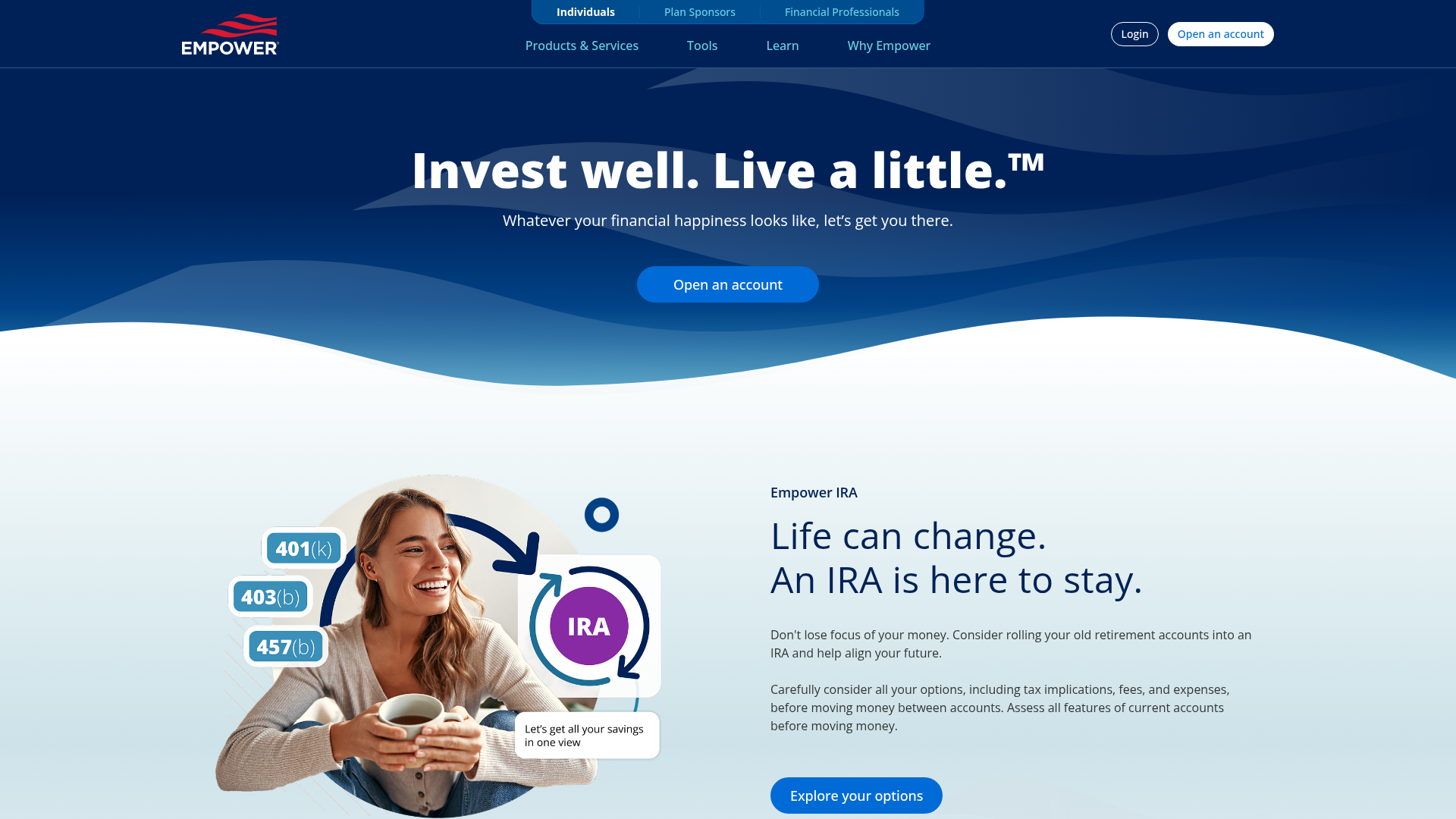
Empower is the strongest option if your budget and your investments need to live in the same ecosystem. It's less about envelope-style discipline and more about seeing your full financial picture in one place.
Why it works
- Free access to budgeting and net worth tools
- Tracks investments, retirement accounts, loans, and cash
- Useful for users building long-term wealth
- Strong dashboard view across account types
Best for
- Investors
- High-account households
- Users who want spending and net worth visibility together
Watch-outs
- Budgeting features are less hands-on than dedicated budgeting apps
- Better for tracking and analysis than for behavior coaching
Why it matters for investors
Many articles say Empower is "good for investors" and leave it there. The real value is that it helps you connect day-to-day choices with portfolio progress. If your grocery and discretionary spending are creeping up, Empower makes it easier to see what that may mean for retirement contributions, brokerage transfers, or debt reduction.
4. Rocket Money - Best free app for subscriptions and bill awareness
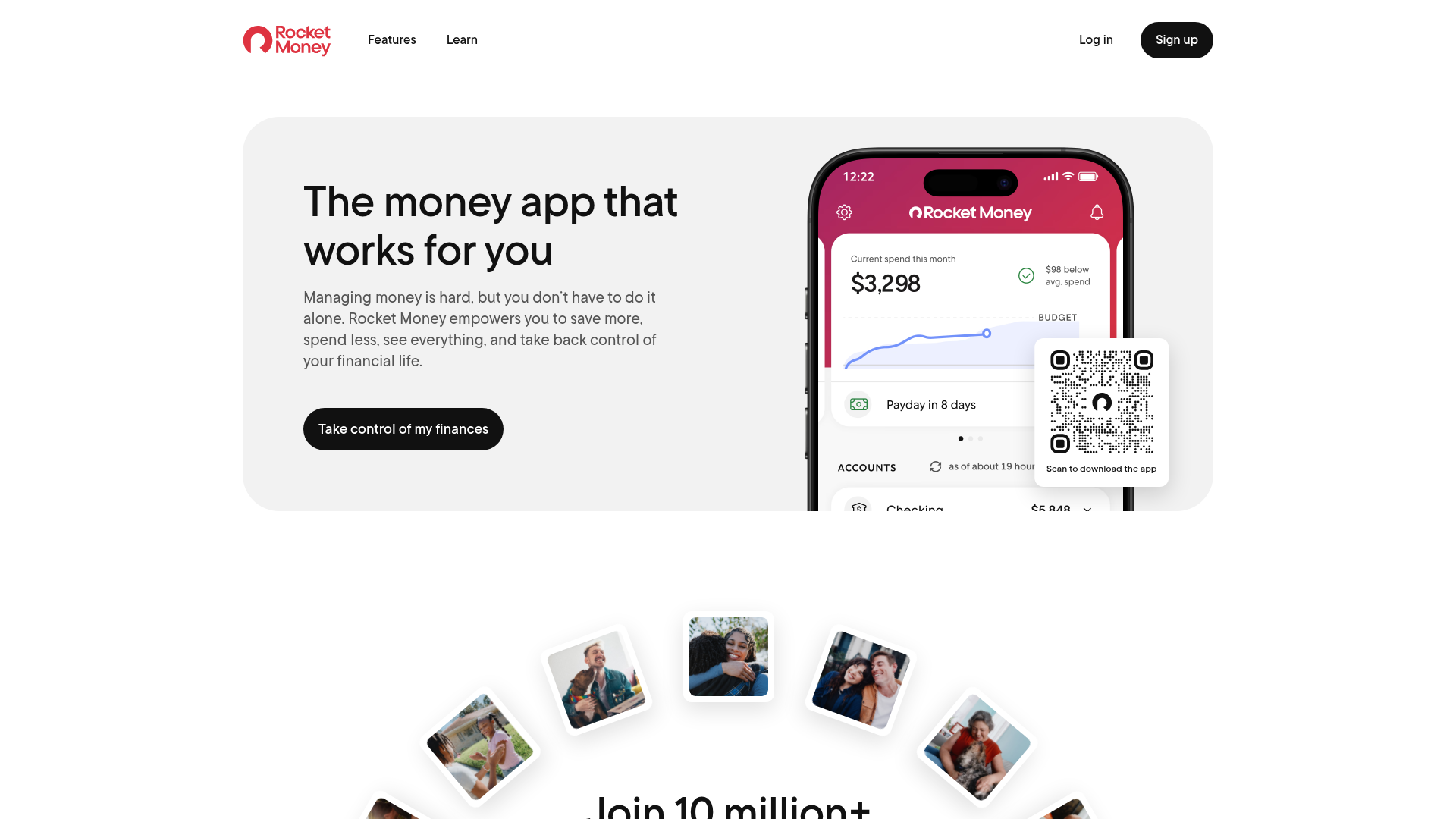
Rocket Money is particularly good at uncovering recurring charges and helping users understand where their monthly cash leak is happening.
Why it works
- Strong subscription monitoring
- Useful bill visibility
- Clean app experience
- Helpful for identifying recurring expenses quickly
Best for
- People with too many subscriptions
- Users focused on cutting fixed monthly waste
- Anyone trying to free up money for savings or investing
Watch-outs
- Some premium features cost extra
- The strongest benefits go beyond the free version
Why it belongs on this list
A lot of budgeting wins come from eliminating friction, not obsessing over lattes. Rocket Money shines when your budget problem is not dramatic overspending but silent creep: streaming services, unused memberships, recurring app charges, and monthly bills that keep quietly climbing.
5. SoFi Relay - Best free budgeting tool for savings-focused users
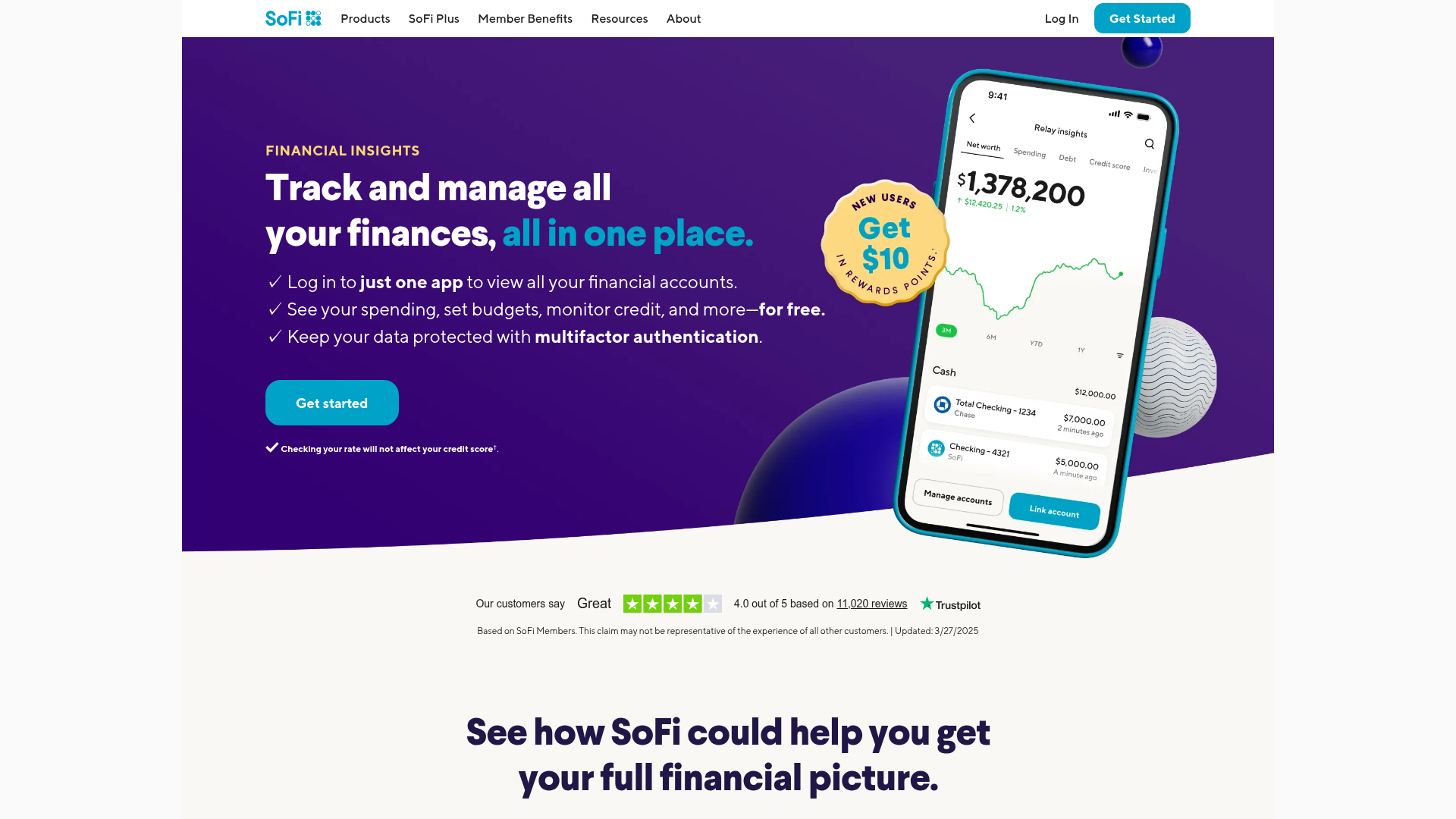
SoFi Relay is a solid free option for people who want straightforward spending categorization and savings visibility without a lot of clutter.
Why it works
- Free to use
- Links multiple accounts
- Good spending visualization
- Helpful for savings progress and broad account overview
Best for
- Goal-oriented savers
- Users who want simple budgeting plus account aggregation
- People who like light guidance rather than strict budgeting rules
Watch-outs
- Less robust than premium budgeting platforms
- Better for financial overview than for detailed category planning
Where it fits best
If your main goal is to create more margin - more emergency savings, more flexibility, more money left over to invest - SoFi Relay offers a strong free entry point.
6. GnuCash - Best free budgeting and accounting tool for detail-heavy users
GnuCash is a different animal. It's not the polished mobile-first app most casual users want, but it is powerful and fully free.
Why it works
- Open-source and free
- Strong reporting
- Double-entry accounting
- Useful for freelancers, side hustlers, and small business owners
Best for
- Advanced users
- Small business owners
- Spreadsheet-minded budgeters
- People who want accounting precision
Watch-outs
- Steeper learning curve
- Less modern user experience
- Not the easiest starting point for total beginners
Why it's still relevant
Most budgeting roundups include GnuCash almost apologetically. That undersells it. If you want full control, local data storage, and robust accounting logic, it remains one of the most capable free tools available.
Quick comparison table
| App | Best For | Free Plan | Bank Sync | Investing View | Shared Budgeting | Ease of Use |
|---|---|---|---|---|---|---|
| Trakzi | Overall best, privacy-first | Yes | CSV import | Charts & breakdowns | Yes | High |
| Goodbudget | Beginners, couples | Yes | No on free tier | Limited | Yes | High |
| Empower | Investors | Yes | Yes | Strong | Limited | High |
| Rocket Money | Subscription tracking | Yes | Yes | Limited | No | High |
| SoFi Relay | Savings goals | Yes | Yes | Moderate | Limited | High |
| GnuCash | Power users, business owners | Yes | Import support | Limited | No | Medium-Low |
Which budgeting app is best for your situation?
Choose Trakzi if you want everything in one free place
Import your bank CSV, scan receipts, track shared expenses, and see AI-powered spending charts — all without linking your bank account. The strongest all-round free pick for most users.
Choose Goodbudget if you want to build discipline
It's ideal if you want to feel every spending decision a little more clearly - in a good way.
Choose Empower if you care about net worth and investing
This is the best fit if your budget is really one part of a broader wealth-building system.
Choose Rocket Money if recurring bills are your problem
Perfect if your money is getting chipped away by repeat charges.
Choose SoFi Relay if you want simple, free savings visibility
Great for users who want financial awareness without a strict budgeting framework.
Choose GnuCash if you want total control
Best for users who don't mind complexity in exchange for flexibility.
How a budgeting app should support your investing goals
A common mistake is treating budgeting and investing as separate financial jobs. In reality, your budget is the fuel system for your portfolio.
A budgeting app helps you:
- Protect money intended for investing
- Avoid withdrawing from investments for short-term spending
- Build emergency reserves first
- Identify excess cash for recurring contributions
- Reduce debt that competes with long-term wealth building
A simple framework for investors
Try this order of operations:
- Cover fixed essentials
- Build or maintain emergency savings
- Fund short-term obligations
- Allocate toward debt payoff
- Automate investing contributions
- Leave room for flexible fun spending
That balance matters. A budget that is too strict gets abandoned. A budget that is too loose becomes a nice little fiction.
Features that make a help budgeting app truly useful
A real help budgeting app does more than display numbers. It helps you make better decisions under real-life conditions.
The most useful features
- Custom categories so your budget reflects reality
- Goal tracking for savings and investing
- Transaction notes for context
- Shared access for partners or households
- Cash flow forecasting before bills hit
- Alerts and reminders when spending spikes
- Reliable sync and clear status messaging when it doesn't
- Responsive support when access or account issues persist
This is where finance brands win trust. If users see errors, delays, or broken connections, the experience should reassure rather than alarm. That communication style matters for budgeting tools just as much as it does for portfolio platforms. Trakzi's finance-first perspective is rooted in exactly that principle: keep data safe, explain issues clearly, and support people without drama.
Red flags to avoid in budgeting apps
Not every free tool is worth your time.
Be careful if an app has:
- No clear privacy or security explanation
- Frequent unresolved sync complaints
- Poor customer support
- Confusing pricing walls
- Overly aggressive upsells
- Weak mobile experience
- Outdated or inconsistent transaction categorization
If your budget app creates more uncertainty than clarity, it's not helping.
A better way to test a budgeting app in 7 days
Don't commit for three months before you know whether the app fits your habits.
Day 1: Add accounts or create categories
Set up income, bills, variable spending, debt, savings, and investing buckets.
Day 2: Review the last 30 days
Find your biggest surprise categories.
Day 3: Create one rule
Examples:
- Cap takeout at $150
- Move $100 weekly to savings
- Invest every Friday
Day 4: Turn on alerts
Use reminders for bills, spending thresholds, or subscription renewals.
Day 5: Stress-test the app
Can you quickly see:
- What's left this month?
- What bills are coming?
- Whether investing contributions are still realistic?
Day 6: Review the experience
Ask:
- Is this easy enough to maintain?
- Do I trust the numbers?
- Does it reduce anxiety or add it?
Day 7: Decide
Keep, upgrade, or switch.
Final verdict: what's the best free budgeting app?
For most people, Trakzi is the strongest all-round budgeting app free pick. Import your bank CSV, scan receipts, track shared expenses, and see AI-powered charts — all for free, without giving any app your bank login. It handles the full budgeting workflow in one place, which is rare at the free tier.
If you want envelope-method discipline, Goodbudget is the standout for beginners and couples. If your budget needs to sit alongside investment tracking, Empower is the strongest pick. If recurring bills are eating your cash, Rocket Money is hard to beat. And if savings visibility matters most, SoFi Relay deserves a close look.
The right app depends on what problem you're solving:
- full budgeting control and privacy — try Trakzi free
- behavior and discipline — Goodbudget
- investment and net worth visibility — Empower
- subscription creep — Rocket Money
- savings discipline — SoFi Relay
The best money tool is the one you'll keep using when markets are noisy, bills are due, and life gets messy. Choose something dependable, clear, and calm — especially when money is involved.
FAQ
What is the best budgeting app that's free?
Trakzi is the best free budgeting app for most people — it combines CSV import, receipt scanning, AI categorization, spending charts, and shared expenses in one free tool without requiring bank account access. For envelope-style discipline, Goodbudget is excellent for beginners. For investment and net worth tracking, Empower is a strong pick.
What is the 70-10-10-10 budget rule?
The 70-10-10-10 rule means allocating 70% of income to living expenses, 10% to savings, 10% to investing, and 10% to giving or extra financial goals. It's a simple framework, though many users prefer more customizable app-based budgeting methods.
Is EveryDollar actually free?
EveryDollar has a free version, but some of its most convenient features, like bank-connected transaction syncing, are tied to the paid plan. That means it can work for basic budgeting, but the free experience is more limited than some alternatives.
Are free budgeting apps worth it?
Yes, free budgeting apps are worth it if they help you consistently track spending, manage cash flow, and protect money for savings or investing. The best free tools are especially valuable when they offer clear categories, goal tracking, and reliable account visibility.
They can be absolutely worth it for users who want better spending habits without adding another subscription bill. Just check for solid security, transparent pricing, and support you can rely on if syncing or access issues come up.
Is YNAB or Mint better?
YNAB is generally better for hands-on, intentional budgeting, while Mint was historically more focused on automated expense tracking and overview. For users who want active money planning, YNAB-style budgeting usually provides more control.